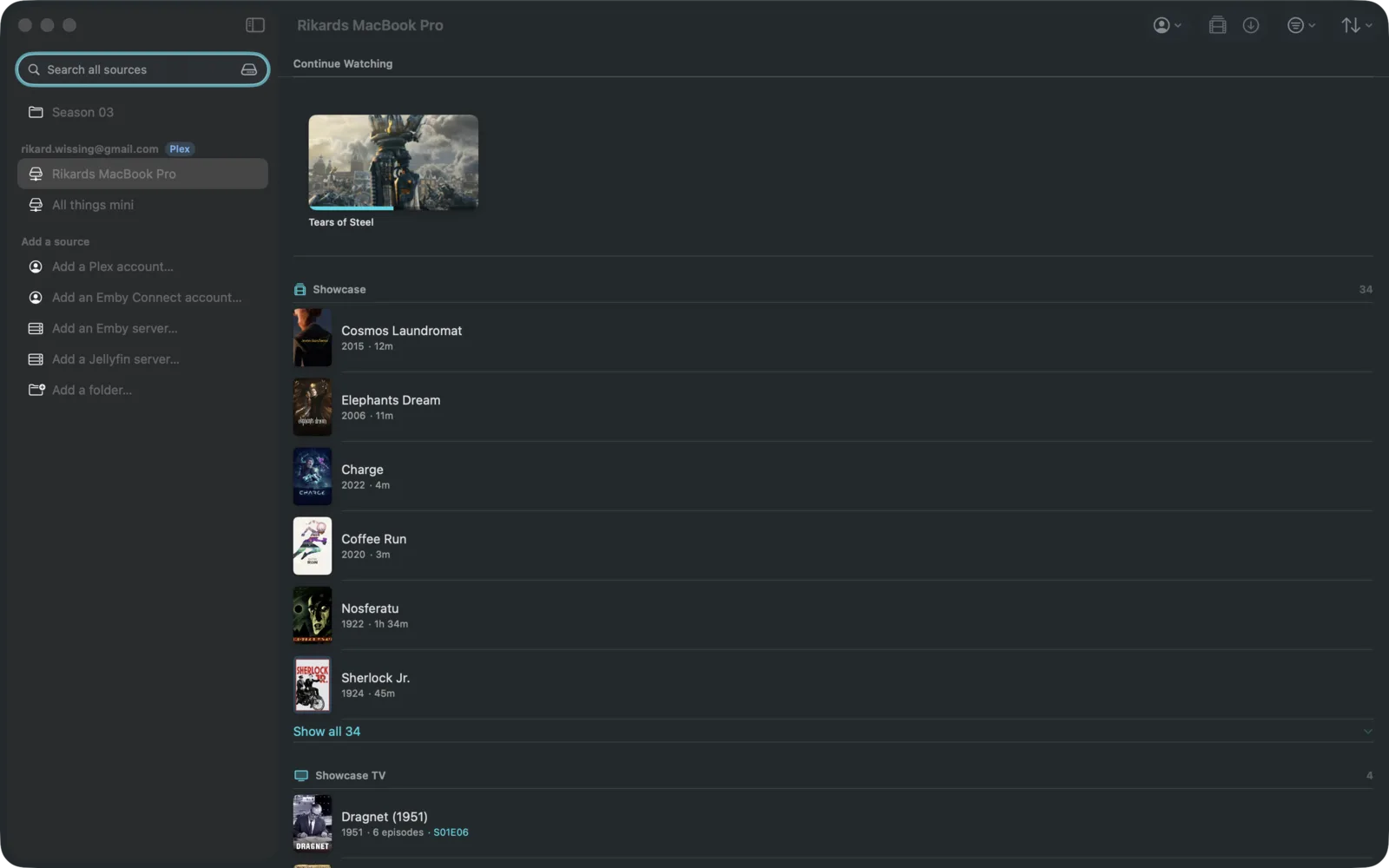
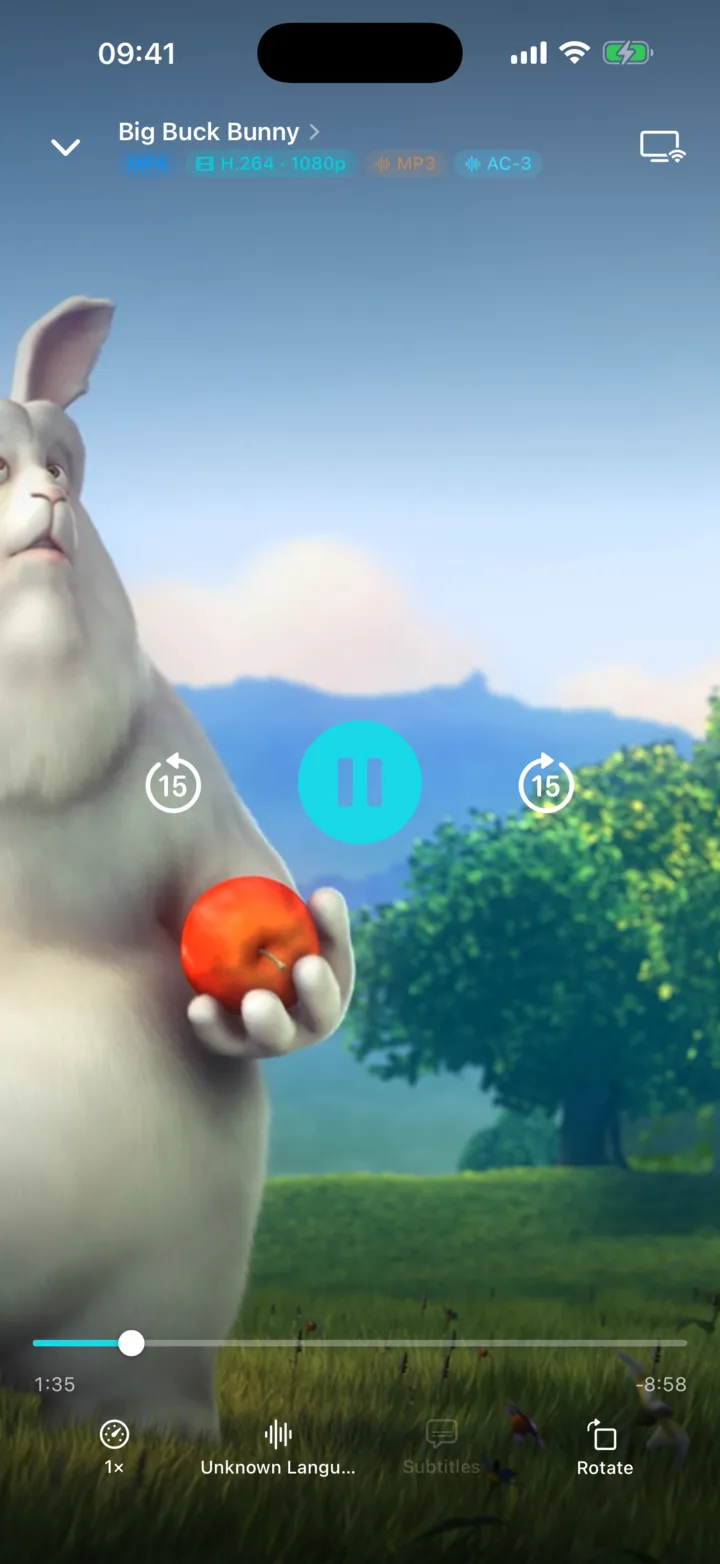
Press play. That's the whole tutorial.
Portage plays what's on your server as it is, no waiting for anything to be prepared first. Pick the language and the subtitles you want. Stop halfway through on the Mac and pick up on your phone.
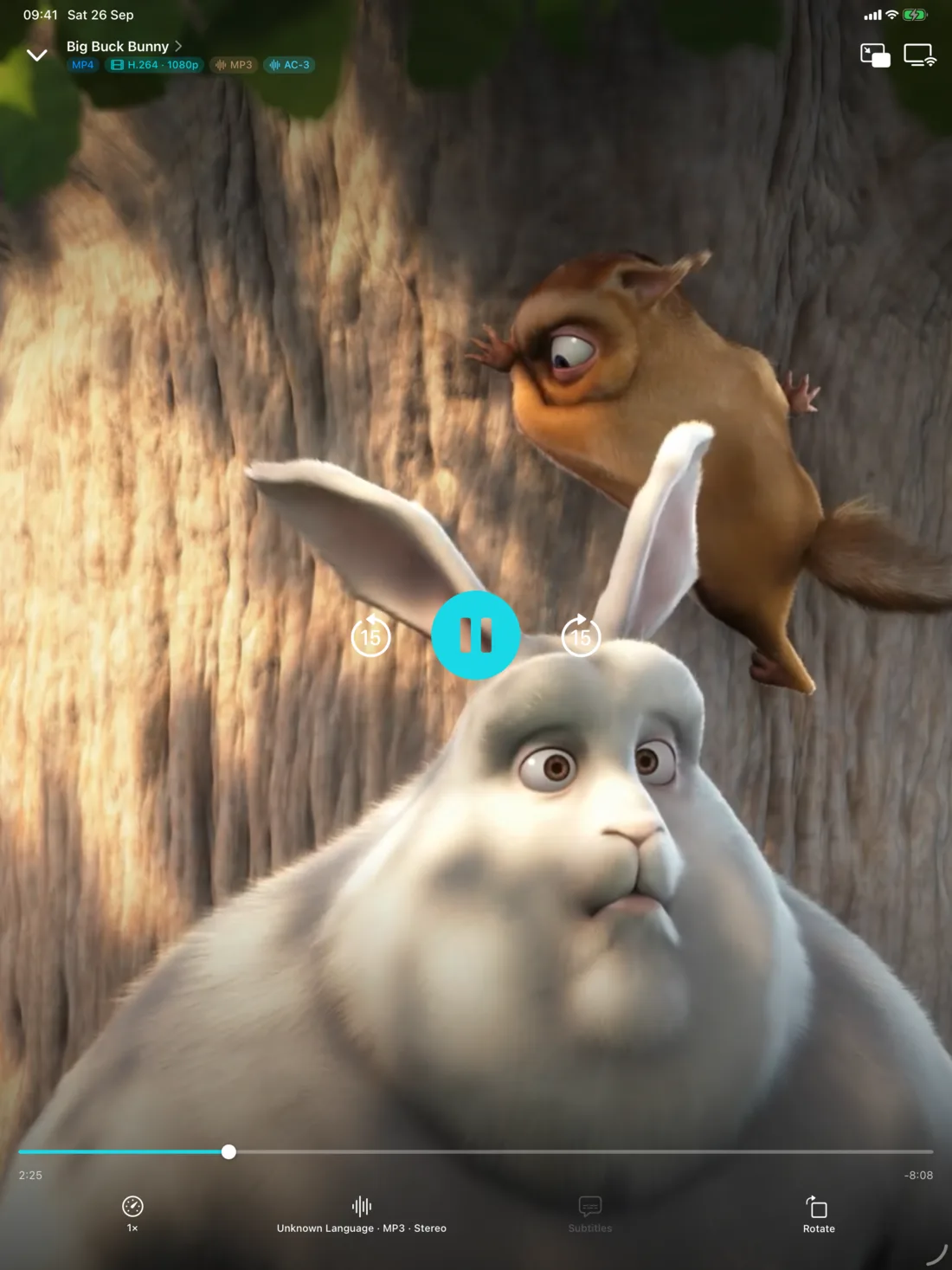
Pinch to fill the screen. Keep watching in a small window while you do something else.
Save it for the plane.
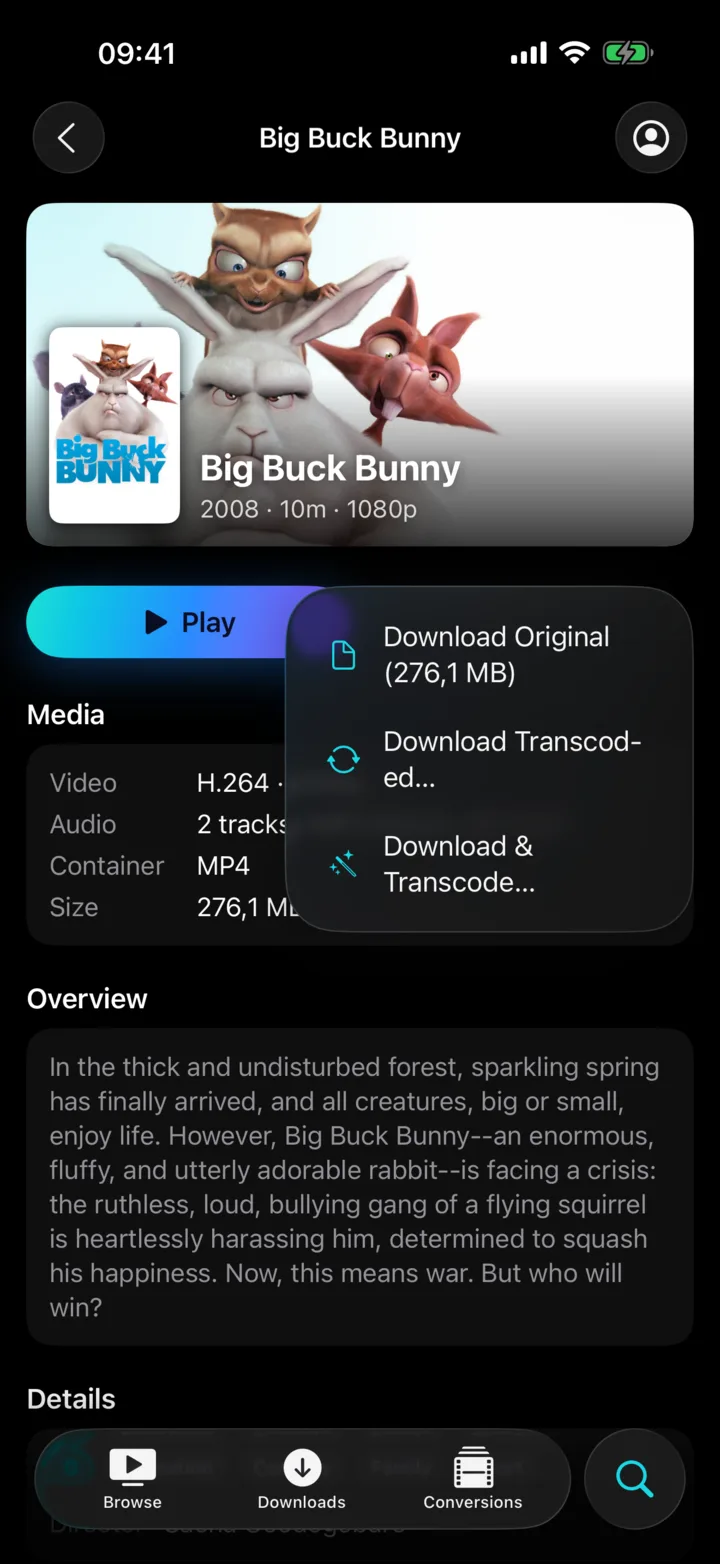
One tap and a film, an episode or a whole season comes down to your phone. It keeps going while you do other things, and if the connection drops, it carries on when you're back. Full quality, or a smaller copy if space is tight.
Saved films show up in the Files app on iPhone and iPad, and in Movies on the Mac. They're yours.
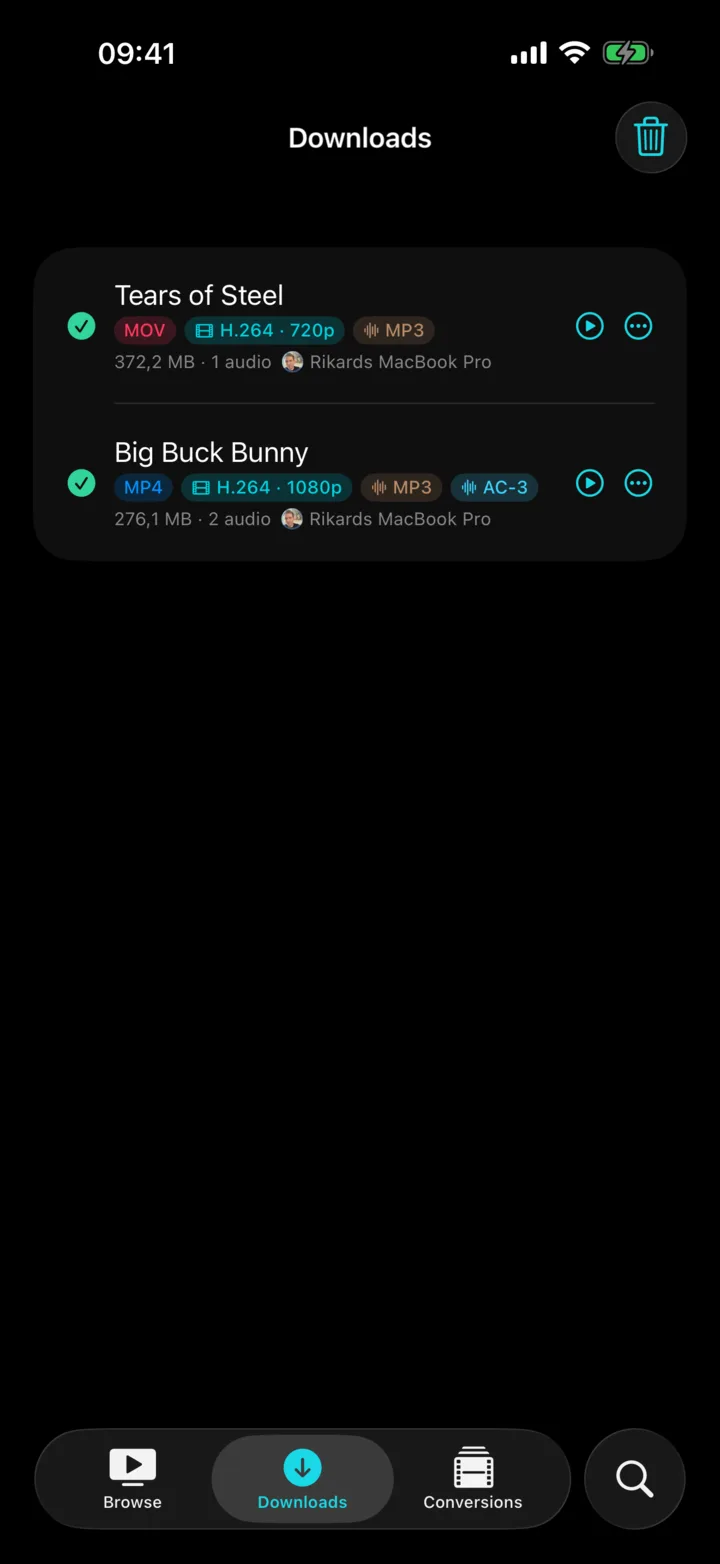
Then put it on the TV.
Chromecast and Google TV. Apple TV with AirPlay. TVs that speak DLNA. Your phone stays the remote: pause, skip, change the subtitles from the sofa.
Only got a browser? A hotel TV, a friend's laptop, the projector at work. Open tv.rikard.dev on it, type the code, and you're watching.
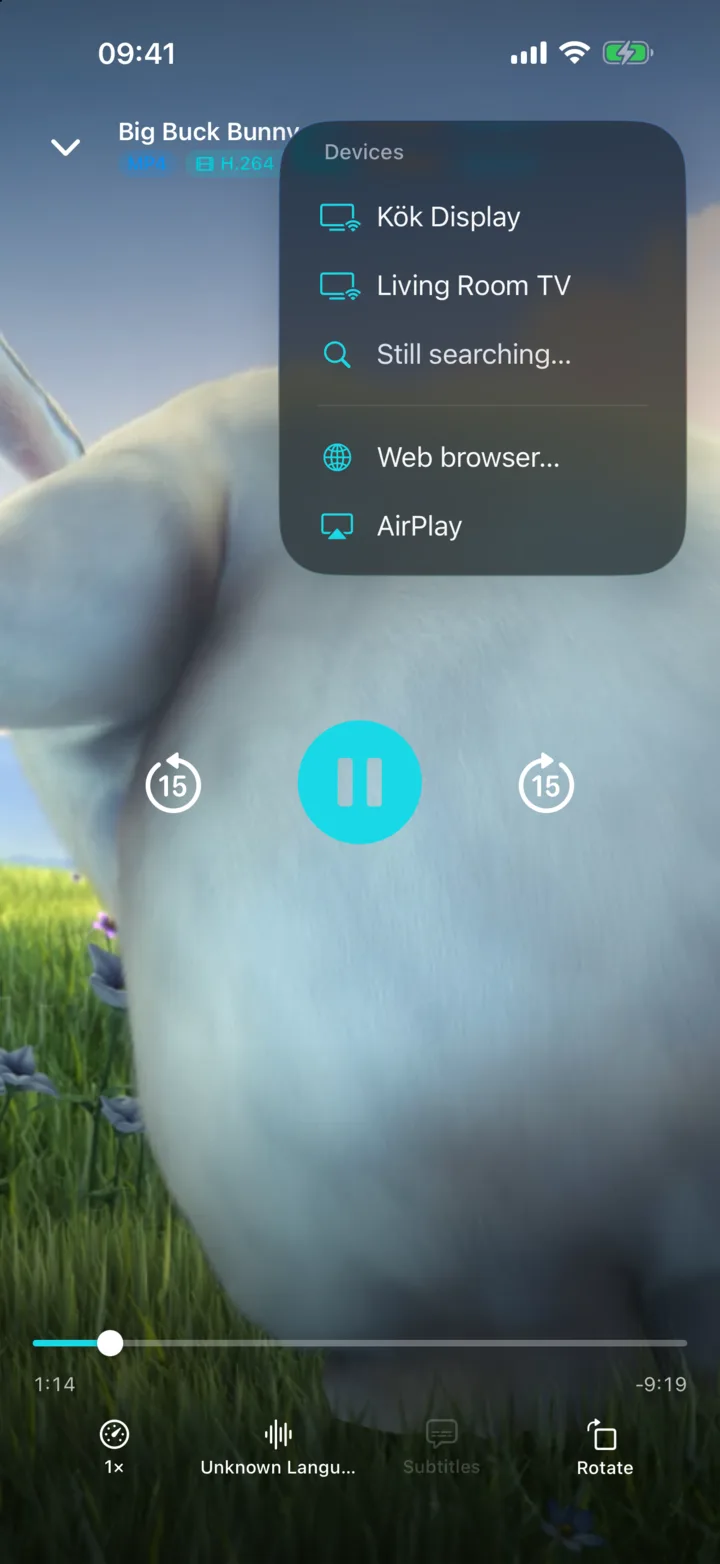
Some TVs are picky. Portage isn't.
When a file won't play on the screen you want, pick the device from a list and Portage makes a copy that will, right on your phone or Mac. Go make tea; it finishes on its own and picks up again if you leave.
The original stays untouched. Both copies sit side by side in your library.
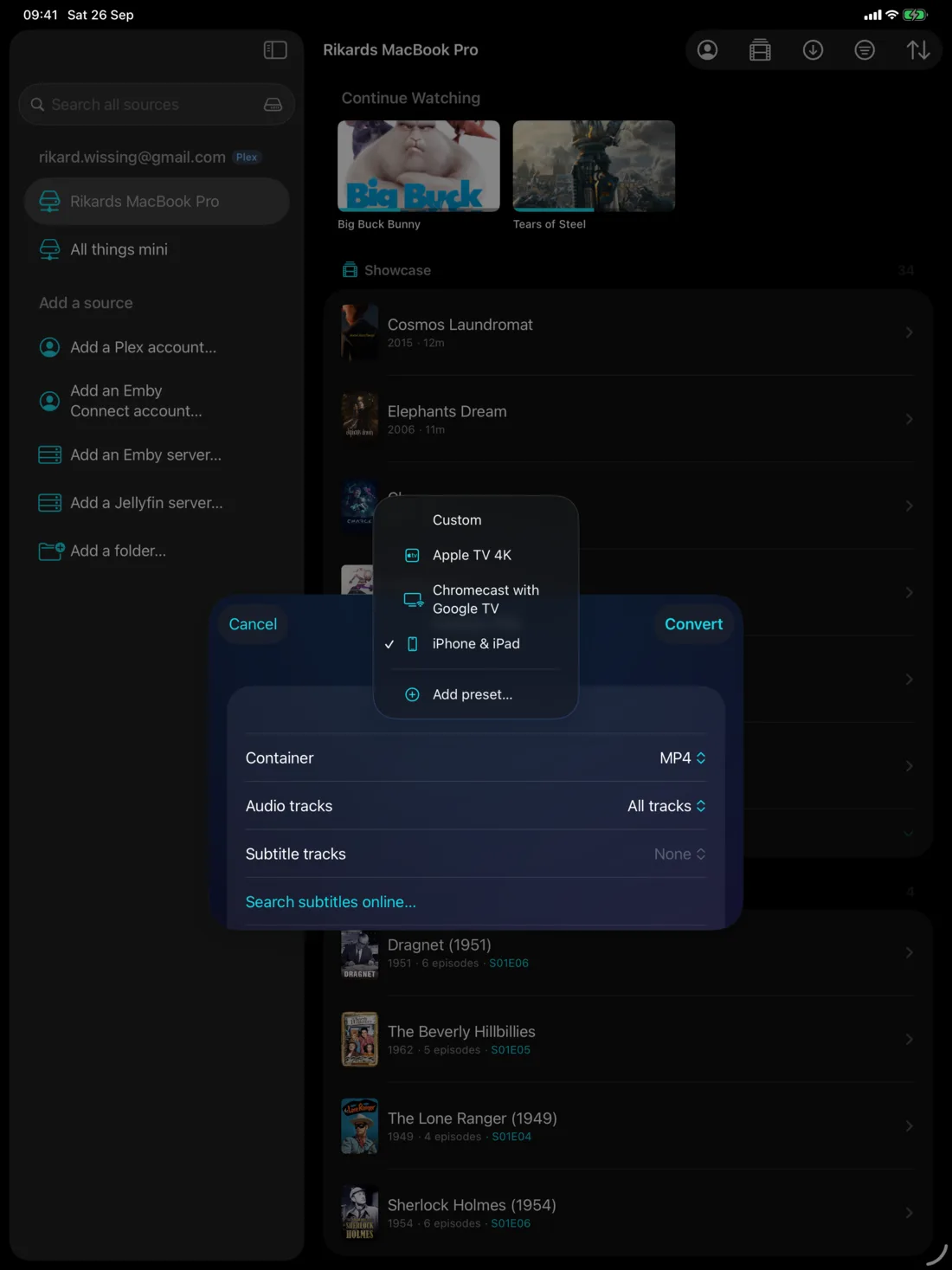
All of your servers. One place.
Plex at home, Jellyfin at a friend's, Emby on a NAS. Portage puts them side by side, with one Continue Watching row and one search box across everything.
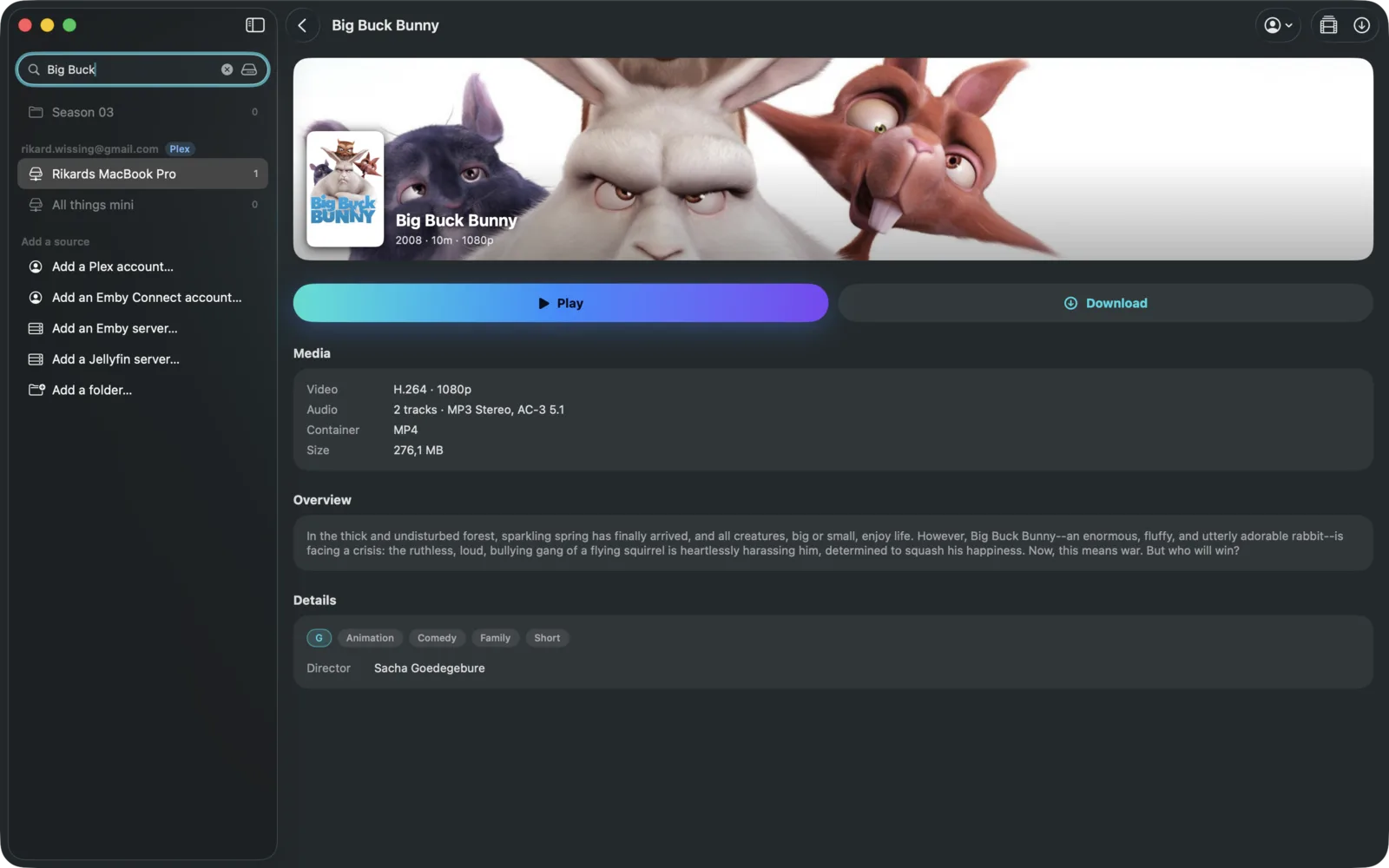
Every title tells you up front what you're getting: how long it is, what quality, how big a download would be.
Free, and none of our business.
Portage talks to your server and to the screen you're casting to. Nobody else. The privacy policy is one page and you can read it in a minute.
Questions
Do I need a media server?
For most of it, yes: Portage is a client for a Plex, Emby or Jellyfin server you already have. You can also add a folder of video files, on the Mac or in the Files app, and it works as a library on its own.
Does it work away from home?
Yes. If your server is reachable from outside your network, Portage reaches it the same way the official apps do. Anything you've saved plays without any connection at all.
Do I need a Plex Pass to download?
No. Portage saves files with the access your server already gives your account. A subscription is not part of it.
What can it play?
Whatever your server has: MP4, MKV, MOV and the usual suspects, with the audio tracks and subtitles inside them. If a TV or a browser can't handle a particular file, Portage offers to make a copy it can.
What does it cost?
Nothing. There is no in-app purchase and no subscription.
Is Portage affiliated with Plex, Emby or Jellyfin?
No. It's an independent app that talks to their servers. It has no account of its own and hosts no content.