
How it works
Four steps, no controller typing.
Nothing to install on the Xbox: the page at tv.rikard.dev is the receiver, and the console's own Edge browser opens it.
Open tv.rikard.dev in Edge
On the Xbox, open Microsoft Edge and go to tv.rikard.dev. It shows Ready to cast, a six-character code and a QR code. Add it to your favourites for next time.
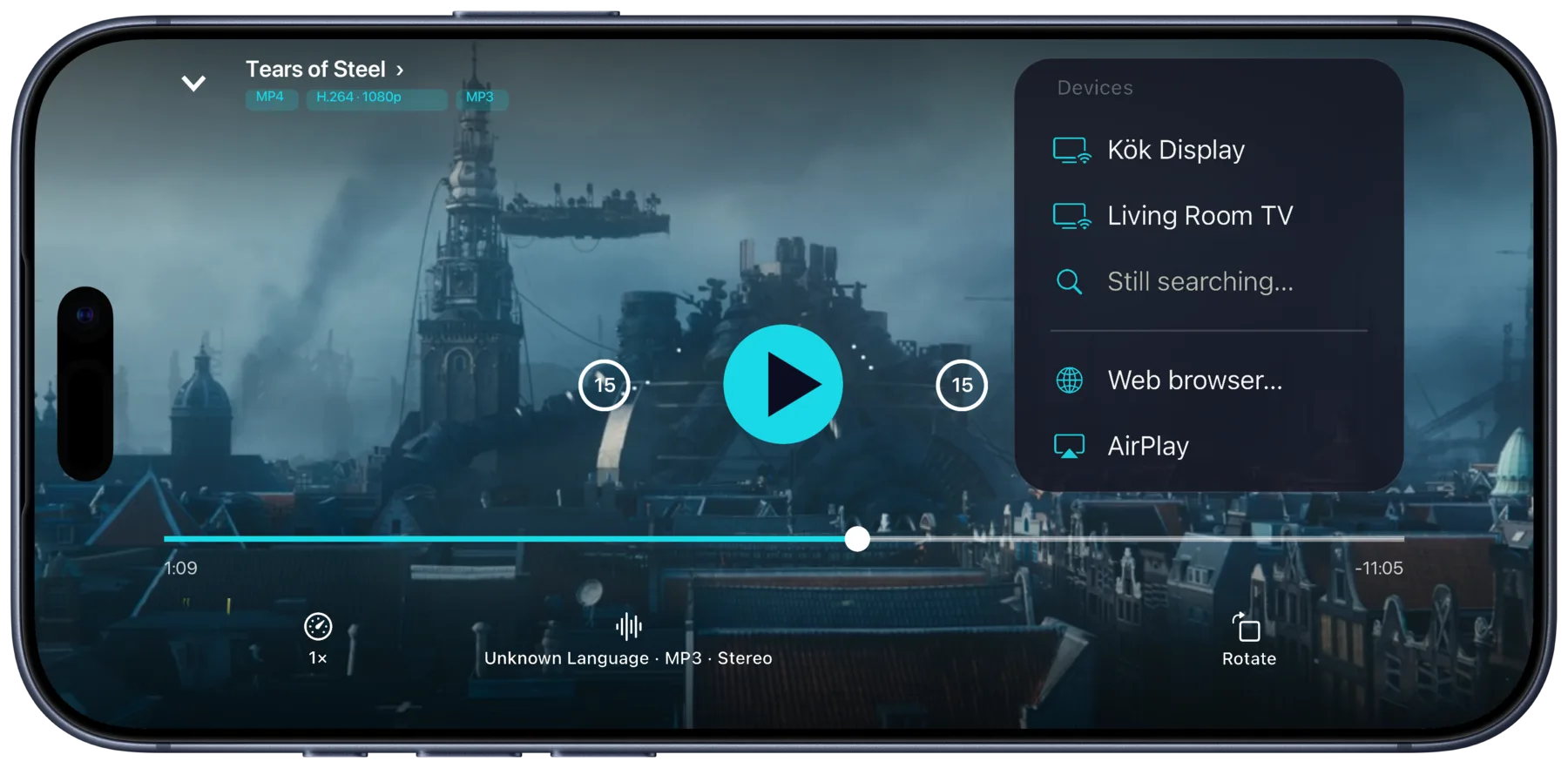
Play something in Portage
On your iPhone, iPad or Mac, start a film or an episode from your server or your downloads. Open the cast menu and pick Web browser…
Scan the code with your phone
On iPhone, tap Scan the browser's code and point the camera at the TV. Or type the code. Nothing gets typed with the controller.
Watch on the TV
It plays through the Xbox. Pause, seek and switch audio or subtitles from your phone.
Why the browser
No app on the console.
Plex, Emby and Jellyfin have Xbox apps. Casting from Portage is for the times an app is the wrong tool.
Someone else's Xbox
At a friend's place or a holiday rental, cast to their Xbox without signing your server account in on it.
One remote
Pause, seek and switch audio or subtitles from your phone, instead of steering a cursor with a controller.
Every server
Plex, Emby and Jellyfin from the same app and the same cast menu.
Where it comes from
Your server, or your phone.
If Edge can't play a file, Portage says so and can convert it on your device into one that will.
From your server
A film on your Plex, Emby or Jellyfin server goes from the server to the Xbox. Away from home, the server has to be reachable from outside your network.
From your downloads
A film you've downloaded goes from your phone to the Xbox directly, so the server doesn't need to be reachable at all.
Not through us
tv.rikard.dev only introduces your phone to the Xbox's browser. After that they talk directly, and no video passes through it.
Next time
Remembered, no code.
Once paired, the Xbox is a cast target of its own. Open the favourite in Edge and it's in Portage's cast menu by name.
Paired browsers
Paired browsers receive casts without a code while their page is open.
Name it
Call it Xbox in Settings, under Paired browsers, so it's easy to find in the cast menu.
Other screens
Any browser works the same way, even your car's or a Tesla's.
Questions
How do I get full screen?
Hold the View button on the controller. Edge switches between full screen and its normal view with the address bar.
Does it work on Xbox One?
Xbox One and Xbox Series X|S have the same Chromium-based Edge browser, so the steps are the same on both.
Why not the Plex, Emby or Jellyfin Xbox app?
Use them if they suit you. Portage is for casting from your phone: your downloads, an Xbox that isn't yours, and one remote for every server.
Is Portage an Xbox app?
No. Nothing is installed on the Xbox. Its own Edge browser opens tv.rikard.dev, and Portage runs on your iPhone, iPad or Mac. Portage is not made by or affiliated with Microsoft.

Get Portage.
 For iPhone, iPad and Mac